There are two separate gates to access Endless Ragnarok, and mixing them up is the main reason returning players think the expansion has failed to unlock. First, your account needs the correct Endless Ragnarok product entitlement: newcomers buy the full edition, while existing Granblue Fantasy: Relink owners buy the Upgrade Kit on the same platform. Second, after the game is installed and updated, your save must meet the in-game progression requirements for the new story.
For the story chapter itself, the current Ver. 2.0.2 patch notes give the clearest rule: clear The Tale of Bahamut's Rage (Proud) and reach Cycle 3 of the Conflux. You do not need to clear Chapter Ø in its entirety before starting Endless Ragnarok. If you have purchased the correct product but cannot see the new chapter, check those two progression gates before reinstalling the game or buying another edition.
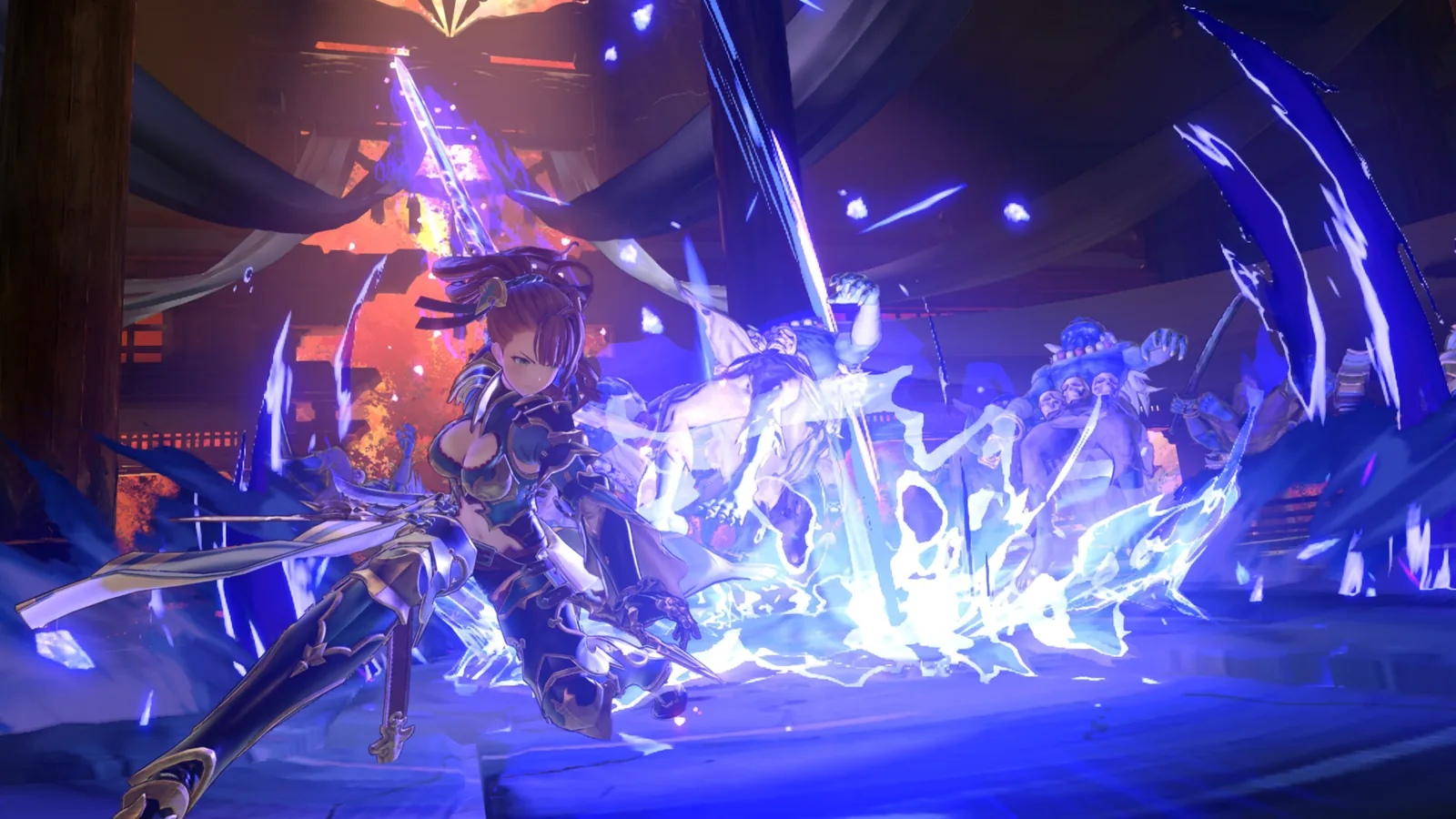 Official Endless Ragnarok promotional gameplay image.
Step 1: Make sure you own the right access product
The product route depends on whether you already own Granblue Fantasy: Relink. Cygames separates the catalog accordingly rather than treating Endless Ragnarok as a free standalone download.
| Your situation | What you need | Key point |
|---|---|---|
| You do not own Granblue Fantasy: Relink | Granblue Fantasy: Relink - Endless Ragnarok full edition | Includes the base game and Endless Ragnarok Upgrade Kit. |
| You already own Relink | Endless Ragnarok Upgrade Kit | Requires the base game and upgrades it on the same platform. |
| You only want to try the game | Endless Ragnarok Demo | Free trial route; demo progress itself does not transfer. |
| You bought a Special Edition | No separate story entitlement is needed beyond the included expansion | Special mainly adds the listed DLC/cosmetic bundle to the relevant full or upgrade path. |
| You own Relink on a different platform | Buy the appropriate product on the platform where you want to play | The Upgrade Kit is a same-platform upgrade, not a cross-platform license. |
For most returning players, the Standard Upgrade Kit is the cleanest route. The official Standard Upgrade Kit has an MSRP of $29.99 / €29.99 and is specifically intended for people who already own Relink. New players instead use the full Standard Edition, which has an MSRP of $59.99 / €59.99 and bundles Relink with the expansion entitlement.
If you are still deciding which listing applies to you, use the purchase guide or the dedicated Upgrade Kit guide before checkout. Buying a cheaper Upgrade Kit without owning the base game is not a shortcut into Endless Ragnarok.
Step 2: Install the current game update
Endless Ragnarok launched alongside the extensive Ver. 2.0.2 update. Since launch, additional patches have been released, so use your platform's normal update process and run the current version rather than trying to stay specifically on 2.0.2.
This distinction matters because the patch and the paid expansion entitlement are not the same thing. The update introduced and adjusted a large set of systems, quests, characters, balance changes, and quality-of-life improvements, while the product guide separately defines who owns the Endless Ragnarok Upgrade Kit. Installing an update does not mean that an account without the required product suddenly owns the paid expansion.
If you use a physical copy, connect the system to the internet and allow the latest update to finish before diagnosing missing content. Cygames explicitly recommends updating disc copies from their original release version.
Step 3: Unlock the Conflux before chasing the new chapter
The Conflux is not merely an optional endgame activity. Cycle 3 is one of the two requirements for beginning the Endless Ragnarok story, so a returning player who ignored the new side mode can be fully geared and still fail the story check.
The Conflux begins much earlier than the expansion story. Cygames says its first Cycle is unlocked through a newly added side quest in Seedhollow during Chapter 6, before departing for Dahli Island. The progression is then tied to the base game's difficulty ladder:
- Cycle 1: undertake the specified Chapter 6 side quest in Seedhollow.
- Cycle 2: progress through Hard-difficulty quests.
- Cycle 3: progress through Maniac-difficulty quests.
- Deeper Cycles: continue through the Endless Ragnarok story.
That design means a fresh player should not try to rush directly from the opening chapters into the expansion. Progress the base story normally, start the Conflux side quest when it becomes available, and keep advancing its Cycles as higher quest difficulties unlock. Our Conflux guide covers the mode itself in more detail; this page is concerned with the access gate.
Step 4: Clear The Tale of Bahamut's Rage on Proud
The second story gate is The Tale of Bahamut's Rage, the Proud-difficulty Proto Bahamut quest. The current patch notes specify that this quest and Conflux Cycle 3 must both be cleared before the Endless Ragnarok chapter can begin.
This is an important correction to simplified pre-release explanations. An earlier official unlock article described clearing The Tale of Bahamut's Rage as the story requirement, but the finalized Ver. 2.0.2 notes explicitly state that both the Proud quest and Cycle 3 of the Conflux are required. When two official pages differ in detail, the launch patch notes are the safer source for the current in-game condition.
You therefore do not need to ask whether your account is “high enough level” in the abstract. Check the actual quest and Conflux milestones. If The Tale of Bahamut's Rage has not been cleared on Proud, continue through the quest-difficulty progression until it becomes available and complete it.
Step 5: Start Endless Ragnarok and unlock Summons
Once the entitlement and progression gates are satisfied, you can begin the new Endless Ragnarok story chapter. The expansion then starts opening its own progression systems rather than dumping every feature into your inventory immediately.
Cygames' unlock guide says Summons become available after beginning the Endless Ragnarok story and obtaining your first Summon. Summons can then be used in Chaos-difficulty or higher quests. This is why seeing Summons in trailers or the demo does not mean a new retail save starts with the complete system already available.
The story also matters for character access. Fraux and Fediel can join through Endless Ragnarok progression, while Beatrix and Eustace use normal Crewmate Cards and Gallanza and Maglielle have their own special-card route tied to Chapter Ø/Hard-difficulty progression. Optional paid Character Expansion Sets for Fraux and Fediel exist, but those packs are not required to unlock the Endless Ragnarok story itself.
What if you are starting from zero?
A newcomer has a longer route because the expansion is deliberately attached to Relink's progression. A practical order is:
- Buy the full Endless Ragnarok edition rather than the Upgrade Kit by itself.
- Play the main Relink story and begin the Chapter 6 Conflux side quest when it appears.
- Continue into the postgame difficulty ladder, progressing the Conflux as Hard and Maniac quests open its next Cycles.
- Reach and clear The Tale of Bahamut's Rage (Proud).
- Make sure Conflux Cycle 3 is cleared.
- Start the Endless Ragnarok story and follow its own unlock sequence from there.
Do not treat this as wasted prerequisite time. Endless Ragnarok assumes familiarity with Relink's combat, progression and quest structure, so the base-game route teaches the systems that the expansion builds upon.
Can you access Endless Ragnarok through the demo?
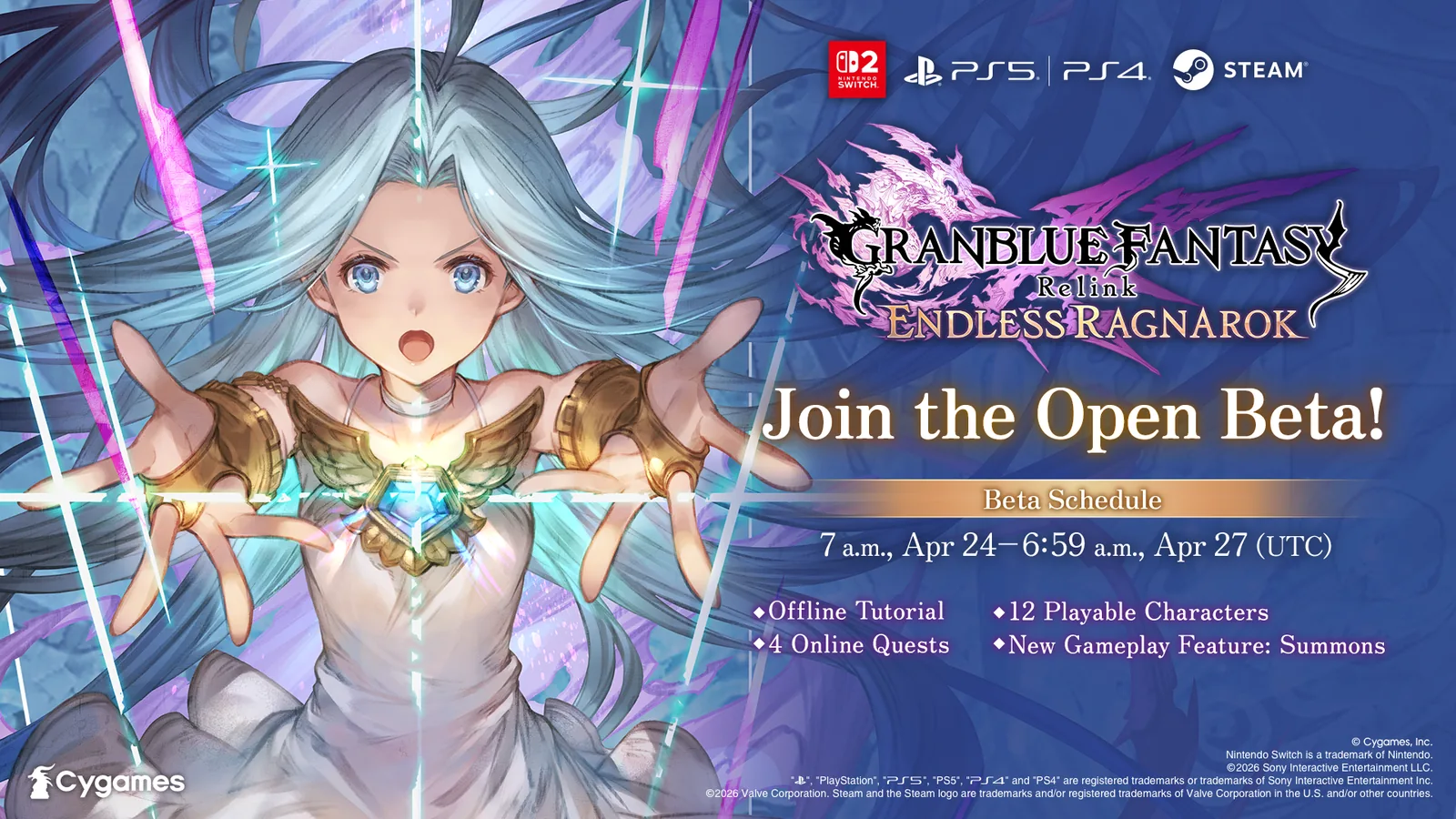
The demo is a trial, not a replacement entitlement. It is available on Nintendo Switch 2, PS5, PS4 and Steam and contains Story, Quest and Tutorial modes. Quest Mode has four quests; clearing the first three unlocks Sephira's Sanguine Glimmer, where the demo lets you try Summons. Crossplay matchmaking is supported in the demo as well.
However, demo save data cannot be carried into the full game. Completion rewards can be redeemed in an eligible full version, but your demo character and quest progression do not bypass the retail game's story requirements. If you have not bought anything yet, the Endless Ragnarok demo guide is still the best no-cost way to decide whether you enjoy Relink's combat.
Why Endless Ragnarok still does not appear: troubleshooting checklist
If you believe you should have access, check the problem in this order rather than immediately reinstalling everything.
Confirm ownership. Existing players need the Upgrade Kit on the same platform as their Relink copy. A purchase on another platform does not establish the required local entitlement.
Update the game. Make sure the current patch has finished downloading and restart the game after installation.
Check The Tale of Bahamut's Rage. The required clear is the Proud quest, not merely an earlier Proto Bahamut encounter.
Check Conflux Cycle 3. If you never started the Chapter 6 Seedhollow side quest or stopped progressing the Conflux, this is the likely missing gate.
Do not use the demo as evidence of retail progression. Demo saves do not carry over, even though demo completion rewards can be claimed later.
Verify the account and platform. If multiple console profiles, Steam accounts, regions, or physical/digital copies are involved, make sure the account launching the game can actually use the purchased add-on.
Only after those checks should you move to platform-specific license restoration, file verification, or a reinstall. Most “where is the expansion?” cases can be narrowed down by separating product ownership from in-game progression.
Access FAQ
Do I need to finish Chapter Ø to start Endless Ragnarok?
The current Ver. 2.0.2 notes do not require a complete Chapter Ø clear. They specifically require The Tale of Bahamut's Rage (Proud) and Conflux Cycle 3. Chapter Ø progression is relevant to other content, including the Gallanza and Maglielle unlock route, but do not replace the stated story requirements with a vague “finish all postgame content” rule.
Is Endless Ragnarok a free update for existing Relink owners?
No. Existing owners use the paid Endless Ragnarok Upgrade Kit. The Standard Upgrade Kit is listed at $29.99 / €29.99. The game also received a major version update alongside the expansion, but patch availability and ownership of the expansion product are separate questions. See Is Endless Ragnarok free? for the full distinction.
Can I unlock Fraux and Fediel without buying their Character Expansion Sets?
Yes. The official unlock information provides in-game routes tied to Endless Ragnarok progression, while the optional Character Expansion Sets provide Crewmate Cards and additional items. Those DLC packs require Endless Ragnarok access or an upgraded Relink copy; they are not the key that unlocks the expansion story.
Does the demo progress skip any access requirements?
No. The demo can award redeemable completion rewards, but its save data cannot transfer to the full game. Your retail save must progress normally.
Bottom line
To access Endless Ragnarok, solve ownership first and progression second. New players need a full Endless Ragnarok edition; existing Relink owners need the Upgrade Kit on the same platform. After updating the game, clear The Tale of Bahamut's Rage (Proud) and Cycle 3 of the Conflux. Those are the current official requirements for starting the Endless Ragnarok story. If you have not bought the game yet, use the demo as a trial rather than expecting its save to become your permanent progression.