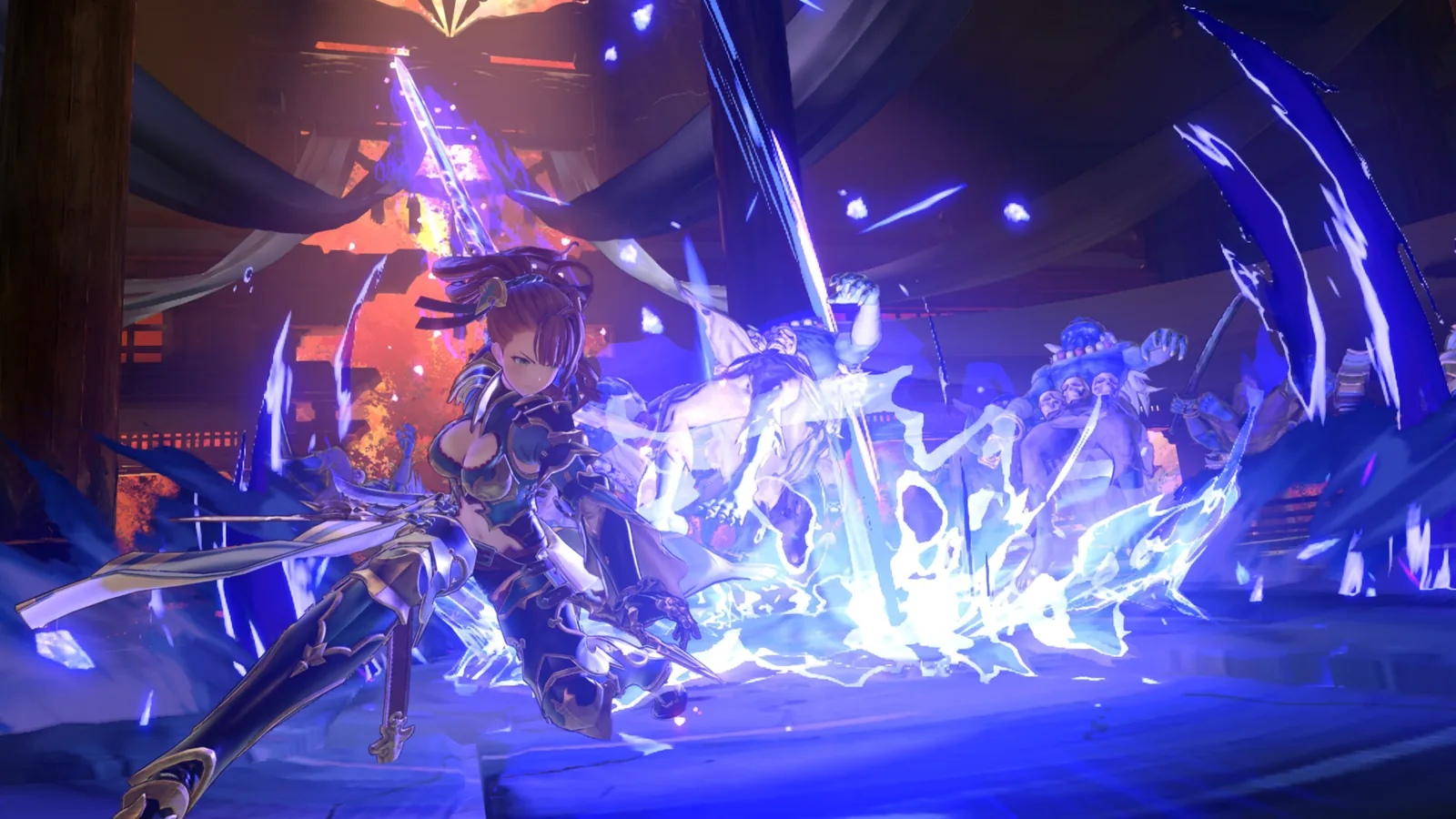
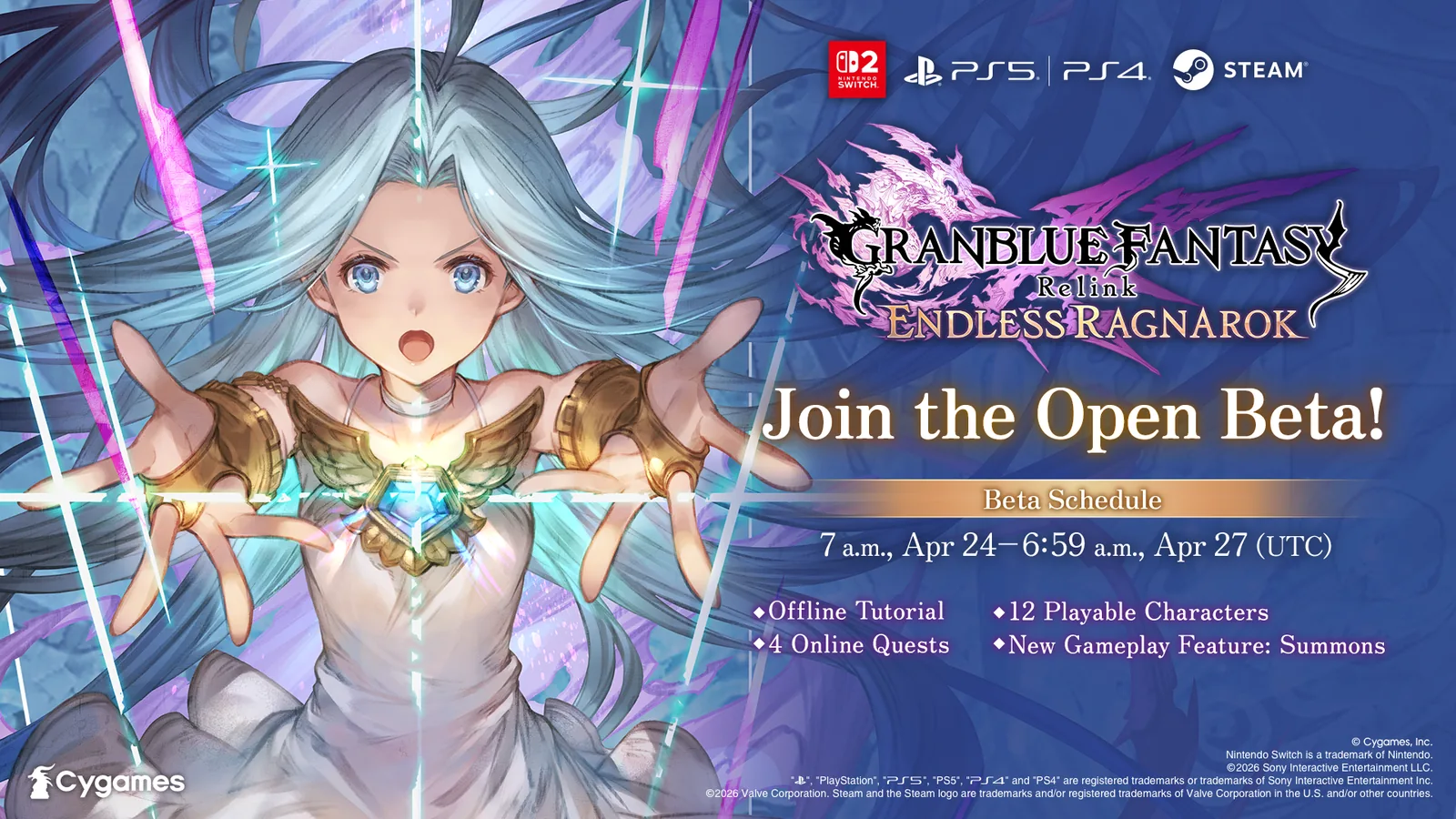
The Granblue Fantasy: Relink - Endless Ragnarok demo is still the current free trial route as of September 6, 2026. Cygames lists it for Nintendo Switch 2, PlayStation 5, PlayStation 4, and Steam. The demo contains three separate modes—Story, Quest, and Tutorial—and is designed to help new players test Relink before buying the full game or, for existing owners, deciding whether the Endless Ragnarok Upgrade Kit is worth purchasing.
The most important limitation is easy to miss: your demo progression does not carry over to the full game. The demo automatically saves, but its character progress, story progress, and quest progress remain inside the demo. What can carry forward are the separate completion rewards attached to Story Mode and Quest Mode, provided you preserve the cleared demo save until those rewards are claimed in an eligible full game.
 Official promotional artwork published with Cygames' June 18, 2026 demo announcement.
Where the Endless Ragnarok demo is available
Cygames currently lists the demo on Nintendo Switch 2, PS5, PS4, and Steam. That matches the full game's supported platform lineup and makes the demo especially useful if your real question is not just "Do I like the combat?" but also "Will this work with the platform and friend group I actually plan to use?"
There is no separate paid access requirement just to download the demo. For online multiplayer, however, platform rules differ. On PS5 and PS4, PlayStation Plus is not required for the demo's online multiplayer features. On Nintendo Switch 2, Nintendo Switch Online is required for online multiplayer. Steam follows the normal Steam online setup without a console subscription layer.
| Platform | Demo available? | Online multiplayer requirement in demo |
|---|---|---|
| Nintendo Switch 2 | Yes | Nintendo Switch Online required |
| PlayStation 5 | Yes | PS Plus not required for demo online play |
| PlayStation 4 | Yes | PS Plus not required for demo online play |
| Steam | Yes | No console subscription |
That distinction matters if you are using the demo to test co-op before buying. A PlayStation player can test the online mode without subscribing to PS Plus first, while a Switch 2 player needs an active Nintendo Switch Online membership for the same online test.
What is included in the demo?
The demo is split into three modes that answer different questions about the game.
Story Mode
Story Mode lets you play an early section of the original Granblue Fantasy: Relink story. It is not an Endless Ragnarok endgame preview and should not be treated as one. Its purpose is to introduce exploration, party presentation, basic combat pacing, and the early narrative structure.
Clearing Story Mode also creates an associated reward that can later be redeemed in the full version of Granblue Fantasy: Relink or Granblue Fantasy: Relink - Endless Ragnarok. The story progress itself does not transfer.
If you are completely new to Relink, Story Mode is the best first test because it gives enough context to understand how normal exploration transitions into combat. If you already know the base game and only care about the expansion's newer battle mechanics, Quest Mode is more useful.
Quest Mode
Quest Mode is the most important part of the demo for combat-focused players. Cygames says it includes four quests in total and can be played solo or with other players. Crossplay matchmaking is available, so mixed-platform groups can use the demo as a low-risk test before everyone spends money.
The fourth quest is the key objective. Complete the first three available quests to unlock “Sephira's Sanguine Glimmer.” That quest allows you to try Summons, one of the new systems introduced with Endless Ragnarok.
This gives the demo more value than a basic tutorial slice. A new player can sample the original game's combat fundamentals and then deliberately push far enough to see one of the expansion's newer mechanics. If Summons are one of the reasons you are interested in Endless Ragnarok, do not stop after Story Mode—clear the first three Quest Mode missions and test the fourth quest.
Each Quest Mode quest also grants a completion reward that may be redeemed in the eligible full game.
Tutorial Mode
Tutorial Mode teaches the basic controls for exploration and combat. It is the right starting point if this is your first Relink experience or if you are coming back after a long break.
Do not skip it simply because you have played other action RPGs. Relink's feel depends on character-specific combo timing, skills, guarding, dodging, lock-on behavior, SBA usage, and party interactions. Ten minutes learning those basics usually tells you more than repeatedly failing a Quest Mode fight while guessing at the controls.
Does demo progress carry over to the full game?
No. Demo save data cannot be transferred into the full game. This is different from being able to redeem demo completion rewards.
Cygames states that the demo saves automatically. You cannot manually save or manually load a previous point. More importantly, the demo's save data itself does not become your full-game save.
That means you should not spend hours grinding the demo because you expect levels, character progression, quest clears, equipment, or story position to become permanent later. Use the demo to learn the game and earn the listed demo rewards, then expect to begin the retail progression normally.
The difference is:
| Demo item | Carries to full game? |
|---|---|
| Character progression | No |
| Story progress | No |
| Quest progress | No |
| Demo save file itself | No |
| Story Mode clear reward | Yes, redeemable in eligible full game |
| Quest completion rewards | Yes, redeemable in eligible full game |
There is an important warning attached to those rewards: if the saved data showing that you cleared the demo is lost or erased, Cygames says the demo rewards cannot be claimed. If you plan to buy the full game, keep the demo save intact until you have successfully redeemed the rewards.
How to unlock Summons in the demo
If you specifically downloaded the demo to see an Endless Ragnarok mechanic rather than only the old Relink opening, use this route:
- Enter Quest Mode.
- Complete the three initially available quests.
- Unlock Sephira's Sanguine Glimmer.
- Play that fourth quest.
- Use the Summons mechanic available there.
The full game has its own separate Summon progression and unlock requirements. The demo does not permanently unlock Summons for your later retail save. Think of Sephira's Sanguine Glimmer as a controlled preview of the system rather than a shortcut around full-game progression.
For the actual post-purchase mechanics, use the dedicated Endless Ragnarok Summons guide rather than treating demo behavior as a full progression guide.
Does the demo support crossplay?
Yes. Quest Mode supports crossplay matchmaking. This makes the demo especially useful for a group where one player is on Steam, another on PlayStation, and another on Switch 2.
A successful cross-platform demo session answers several practical questions before purchase: whether everyone can connect reliably, whether the group likes Relink's party pacing, and whether the players actually enjoy co-op enough to justify buying the expansion.
Do not confuse crossplay with cross-purchase. Buying the game or Upgrade Kit on one platform does not grant the product on another platform. Crossplay lets players meet online; it does not merge storefront licenses.
Cygames ID bonuses do not work inside the demo
The official demo page also makes a narrower distinction that is easy to overlook: Cygames ID link bonuses cannot be claimed in the demo. They can be claimed in the full version of Granblue Fantasy: Relink or Granblue Fantasy: Relink - Endless Ragnarok.
That does not mean your demo rewards require a Cygames ID bonus system. They are separate concepts. Keep the demo's clear data for demo rewards, then handle Cygames ID-linked bonuses once you are in the full game.
A useful one-hour demo route
If you want to learn as much as possible without turning the trial into busywork, this order works well:
Start in Tutorial Mode and make sure dodge, guard, targeting, skills, and camera movement feel comfortable. Then play enough Story Mode to judge the exploration and general pacing. After that, move to Quest Mode and clear a mission solo so you can tell whether the combat itself works for you without other players carrying the encounter.
If co-op matters, run another Quest Mode mission online. For a mixed-platform group, this is the point to test crossplay. Finally, clear all three starting quests and play Sephira's Sanguine Glimmer so you can test Summons before making a purchase decision.
There is little reason to grind beyond that unless you simply enjoy replaying the demo. The progress will not become retail character progression.
Should an existing Relink owner play the demo?
It can still be useful, but for a different reason. Existing Relink owners already know the basic combat and story structure, so Story Mode has less decision value. The stronger reasons to download the demo are to test the current multiplayer environment, let a friend try Relink for free, or see the Summon preview in Sephira's Sanguine Glimmer.
If you already own Granblue Fantasy: Relink and decide to continue into Endless Ragnarok, you generally want the Upgrade Kit on the same platform, not a second full copy of the game. The Upgrade Kit guide covers that purchase path separately.
Demo versus the old beta
The demo is the current public trial. The earlier closed and open beta tests were pre-release testing events and are now historical. You do not need a beta invitation, Cygames ID application, or old beta client to try the game today.
This distinction is important for search results because older February-April articles may still mention applications, participant selection, or time-limited testing windows. Those instructions are not the current way to access the game. Use the live demo instead. The open beta archive should be treated as historical documentation, not a download guide.
Common demo mistakes
One common mistake is assuming that “rewards carry over” means the entire save carries over. It does not. Another is deleting the demo immediately after finishing it; if the clear save is erased before rewards are claimed, Cygames warns that those rewards cannot be redeemed. A third is stopping after the opening story and concluding that the demo does not show any Endless Ragnarok mechanics—the Summon preview is in the fourth Quest Mode mission, after clearing the first three.
Finally, do not buy an Upgrade Kit just because it is cheaper than the full edition. The Upgrade Kit requires an existing copy of Granblue Fantasy: Relink on the same platform. New players who like the demo need a full Endless Ragnarok edition instead.
Bottom line
The Endless Ragnarok demo remains the best free way to test Relink before buying. It is available on Switch 2, PS5, PS4, and Steam and includes Story Mode, Quest Mode, and Tutorial Mode. Quest Mode contains four quests, supports crossplay, and unlocks Sephira's Sanguine Glimmer after the first three clears so you can try Summons.
Your actual demo progression does not transfer into the full game, but eligible Story and Quest completion rewards can be redeemed later. Preserve the demo clear save until you have claimed them. PlayStation users can test the demo's online multiplayer without PS Plus; Switch 2 users need Nintendo Switch Online.