The correct Endless Ragnarok purchase depends on one question before everything else: do you already own Granblue Fantasy: Relink on the platform where you plan to play?
- Yes: buy an Endless Ragnarok Upgrade Kit on that same platform.
- No: buy a full Granblue Fantasy: Relink - Endless Ragnarok edition that includes the base game.
Standard versus Special is the second decision, not the first. Physical versus digital comes after that. This order prevents the most common mistake: buying the cheaper Upgrade Kit because it appears first in search results even though the account does not own the required base game.
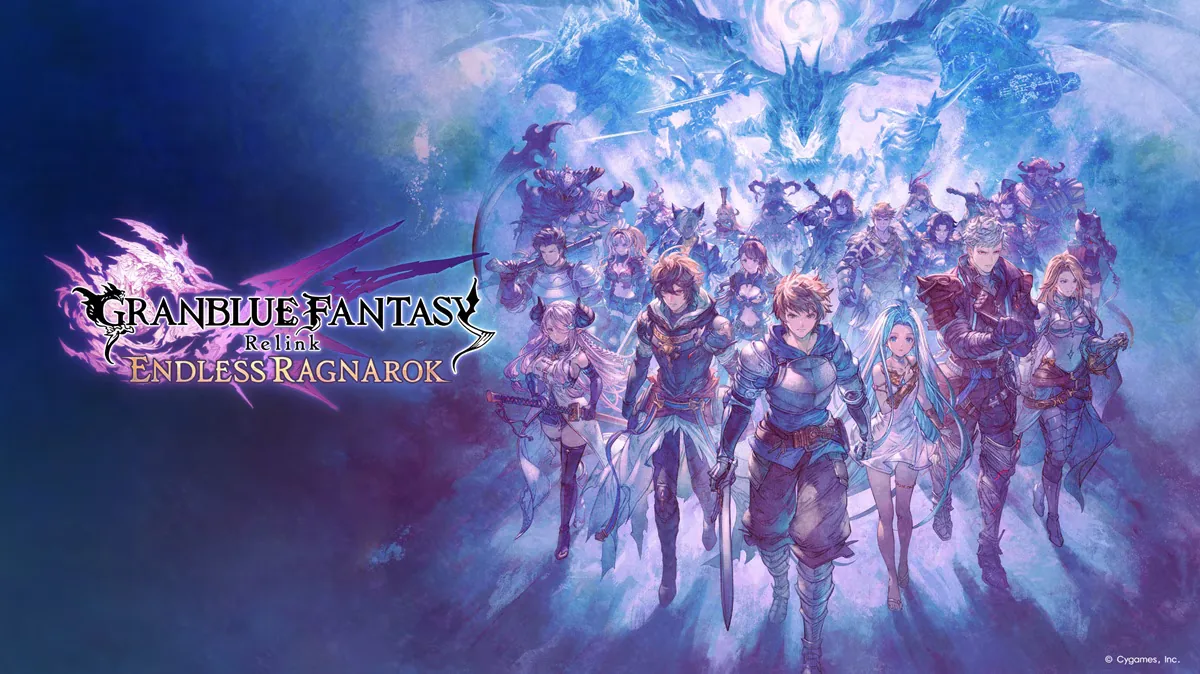 Official Endless Ragnarok promotional artwork stored locally on this site.
For live MSRP and regional price checking, use the separate Endless Ragnarok price guide. This page is about which product fits your ownership, not repeating the same price table.
The purchase decision in one table
| Your situation | Best starting product | Why |
|---|---|---|
| You own Relink on Steam and will keep playing on Steam | Upgrade Kit - Standard | Adds Endless Ragnarok without rebuying the base game |
| You own Relink on PS4/PS5 and will stay on PlayStation | Upgrade Kit - Standard | Same-platform upgrade route |
| You do not own Relink | Full Standard Edition | Includes the base game and Endless Ragnarok access |
| You own Relink and specifically want the extra DLC bundle | Upgrade Kit - Special | Adds the expansion plus the listed Special extras |
| You are new and want the base game plus the bundled extras | Full Special Edition | Full newcomer package plus Special content |
| You want a box for PS5 or Switch 2 | Physical Standard Edition | Full-game route aimed at newcomers/collectors |
For most buyers, Standard is the low-regret default. Special changes the bundle of extras, not the core Endless Ragnarok campaign.
Existing Relink owners: buy an Upgrade Kit
Cygames explicitly positions the Upgrade Kit for players who already own Granblue Fantasy: Relink. The important restriction is same platform.
Owning Relink on Steam does not mean a PlayStation Upgrade Kit can upgrade that Steam license. Owning it on PlayStation does not create a Steam entitlement. Crossplay allows supported players to run co-op quests together; it is not cross-buy.
Before checkout:
- open the platform account you will actually use;
- confirm the base game appears in that library;
- buy the Upgrade Kit from that same ecosystem;
- install the current game update as well as the add-on.
If the store says the Upgrade Kit requires the base game and your account does not satisfy that requirement, do not try to work around it with a different region or another platform purchase. Use the full edition instead.
For the Upgrade Kit itself, see the dedicated Upgrade Kit guide.
New players: buy the full Standard Edition unless you want the extras
If you do not own Relink, the full Granblue Fantasy: Relink - Endless Ragnarok Standard Edition is the clean default.
It combines the base game and Endless Ragnarok access in one purchase path. That is different from buying the Upgrade Kit alone, which assumes the base game already exists on the account.
The full edition is available across the supported launch platforms, while the exact physical/digital availability differs by platform. A newcomer should not assemble the purchase from separate older Relink listings unless there is a specific reason to do so; the full Endless Ragnarok package is designed to remove that ambiguity.
Standard vs Special: does Special unlock more game content?
No separate main-story or progression tier is locked behind the Special label. Standard provides the core Endless Ragnarok playable content.
Special adds bundled extras. Cygames' edition matrix includes the Endless Ragnarok Special Pack and, in the relevant Special package, the Granblue Fantasy: Relink DLC Collection.
Choose Special when you actively want those extras—not because you are worried Standard is missing:
- the Endless Ragnarok story;
- Fatebreaker progression;
- Chaos difficulty;
- The Conflux;
- Summons;
- Master Traits;
- the six added playable characters;
- Primal Bursts or Weapon Transcendence.
If the extras are the only uncertain part of the decision, use the Special Edition breakdown before paying the difference.
Physical vs digital
The physical Standard Edition is primarily relevant to new players or collectors who want a boxed copy.
On PS5, the physical route uses a disc. On Nintendo Switch 2, Cygames identifies the physical version as a Game-Key Card, which means the card does not function like a traditional full-data cartridge; downloading game data is part of using it.
Existing Relink owners should usually compare the digital Upgrade Kit before buying another full physical copy. A boxed full edition can make sense for collecting or platform migration, but it is not the efficient default just because a physical product exists.
Read the physical edition guide if the box, disc, or Game-Key Card format matters to you.
Platform-specific checks before checkout
Steam
If Relink is already in your Steam library, use the Steam Upgrade Kit. If it is not, use the full edition. Do not assume ownership on another platform satisfies Steam's base-game requirement.
See the Steam guide for PC-specific details.
PlayStation 4 / PlayStation 5
Check which Relink entitlement is attached to the PlayStation account before buying the Upgrade Kit. If you are moving from PS4 to PS5, also check the base-game upgrade path before repurchasing a full package unnecessarily.
See the PS5 / PS4 guide.
Nintendo Switch 2
Switch 2 is mainly a full-edition route rather than a Relink-owner upgrade path inherited from the earlier platforms. Physical buyers should understand the Game-Key Card format before treating the box as an offline full-data cartridge.
See the Switch 2 guide.
Do not buy based on expired launch bonuses
The original early-purchase windows are over. Cygames' official product page lists the console deadline as July 8, 2026 and the Steam deadline as August 31, 2026.
That means a current September purchase should be evaluated on the edition and content you receive now, not on an old search snippet advertising timed sigil bonuses.
Physical first-production bonuses are different: a specific unopened copy may still belong to the eligible production run. Treat that as a retailer/package verification question rather than a guaranteed benefit of every physical copy sold today.
Common expensive mistakes
Buying the Upgrade Kit without owning Relink on that platform. The Upgrade Kit is not standalone.
Buying a full edition when you already own the base game on the same platform. Compare the Upgrade Kit first.
Paying for Special because you think it contains exclusive core progression. It adds extras, not a different campaign.
Assuming crossplay means cross-buy. Multiplayer compatibility does not transfer licenses between Steam, PlayStation, and Nintendo.
Buying a Switch 2 physical copy expecting a traditional full-data cartridge. The physical format is a Game-Key Card.
Treating an expired preorder bonus as a current guaranteed inclusion. Verify any promotion against today's official storefront or the exact physical package.
Which product should most people buy?
If you already own Relink on the platform you intend to use, start with Upgrade Kit - Standard.
If you are new to Relink, start with Full Standard Edition.
Move to Special only after you have checked the included DLC and decided the extras are worth the additional cost to you. Choose physical only when the box or physical ownership format is part of your goal—not because it changes the playable expansion.
Bottom line
Do not start the Endless Ragnarok purchase decision by comparing four prices. Start by checking base-game ownership on the target platform. Existing owners use the same-platform Upgrade Kit; newcomers use a full edition. Standard contains the core game experience; Special adds optional bundled extras.
Once that decision is clear, use the price guide for the current MSRP and regional-price check, then buy through the official store for the platform where you actually intend to play.