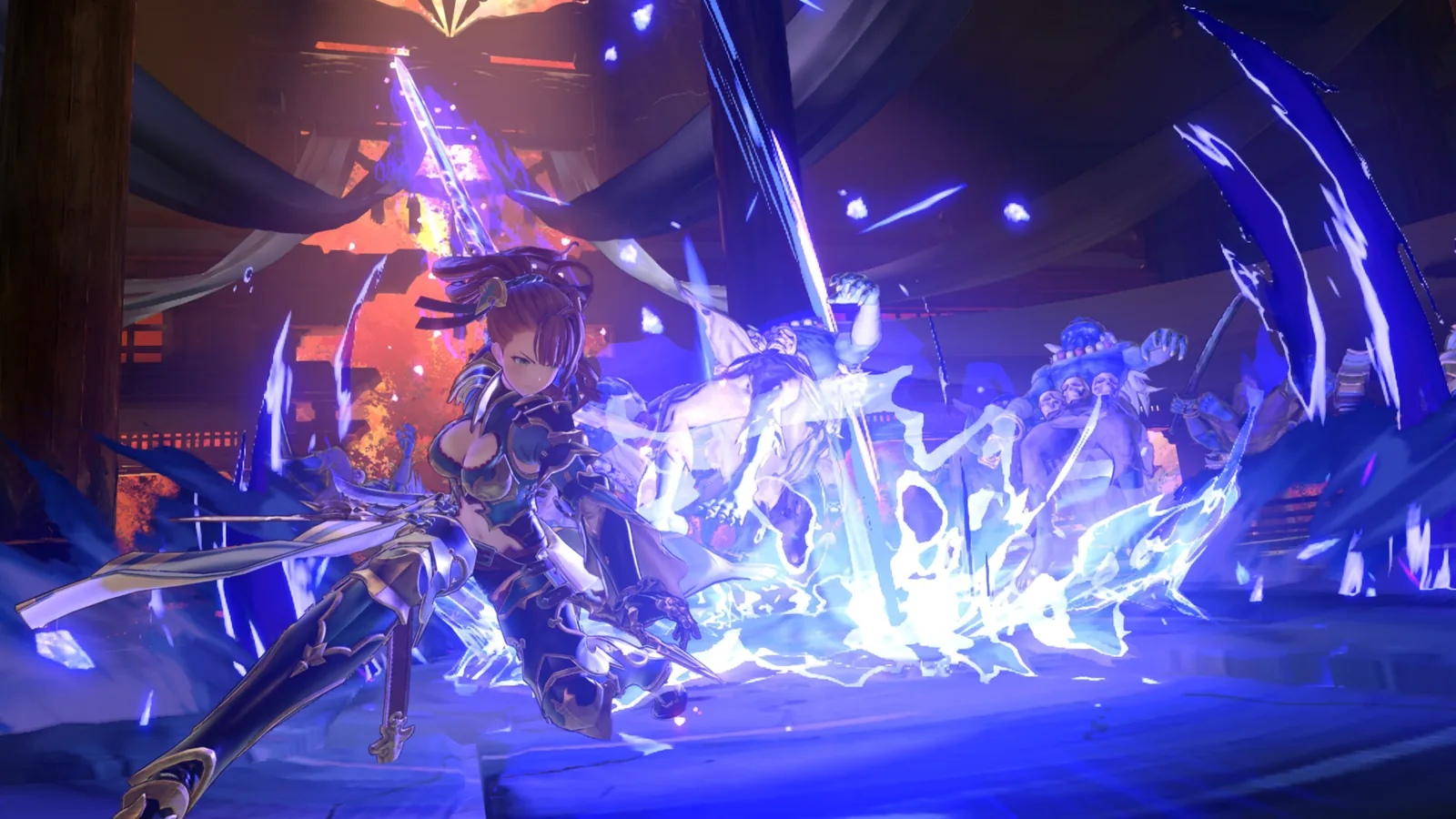
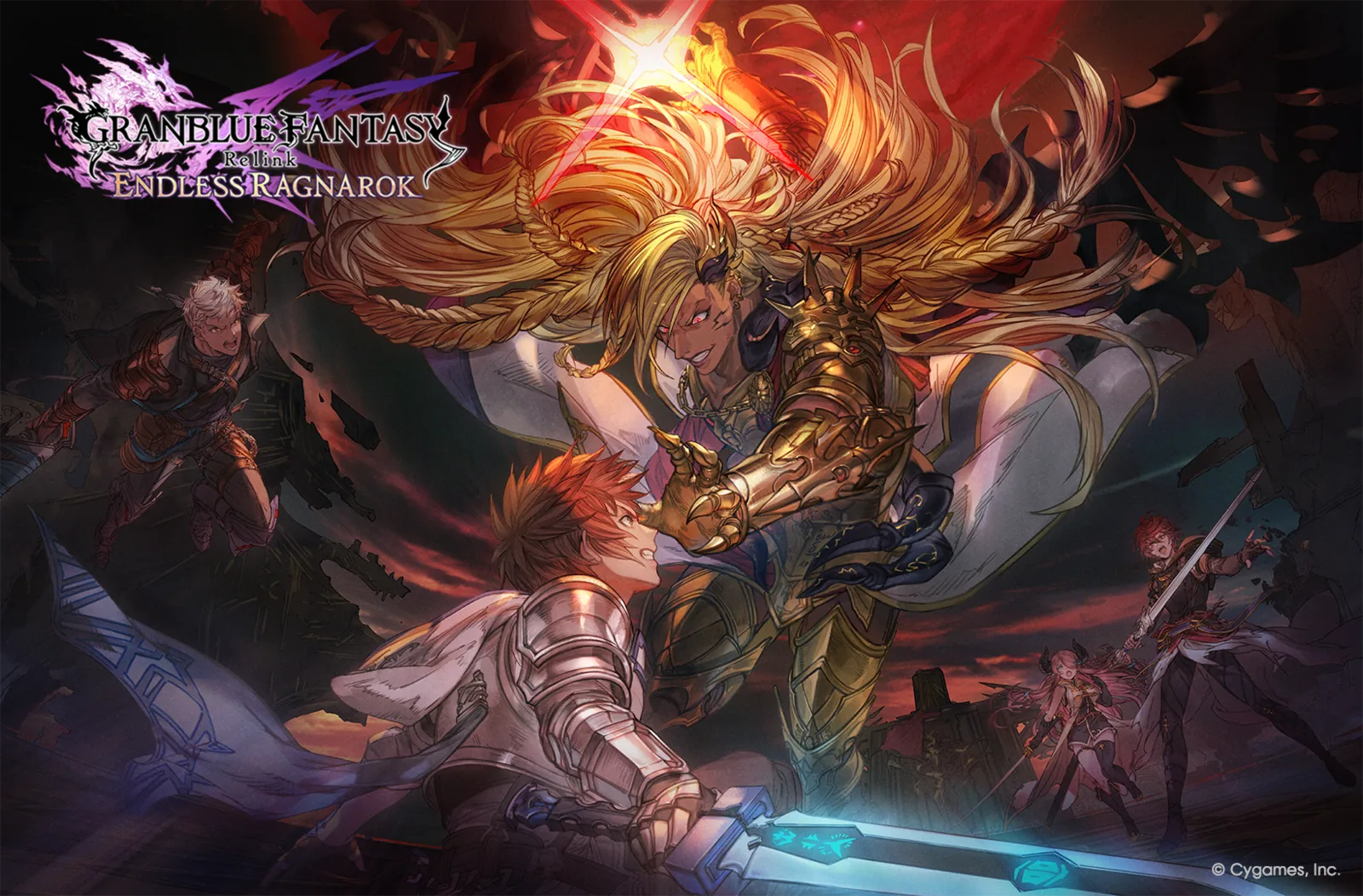
The Granblue Fantasy: Relink - Endless Ragnarok open beta is over. It was a limited pre-launch test held in April 2026, before the full release on July 9. Cygames used the event to let players try the new Summon mechanic while also checking network load, matchmaking behavior, game functionality, and bugs that could be fixed before launch.
That makes the open beta useful today as a historical reference, but not as a current way to access the game. There is no active beta sign-up, key distribution, or old beta client that players need in order to start now. Anyone looking for a no-cost hands-on version should use the current Endless Ragnarok demo instead.
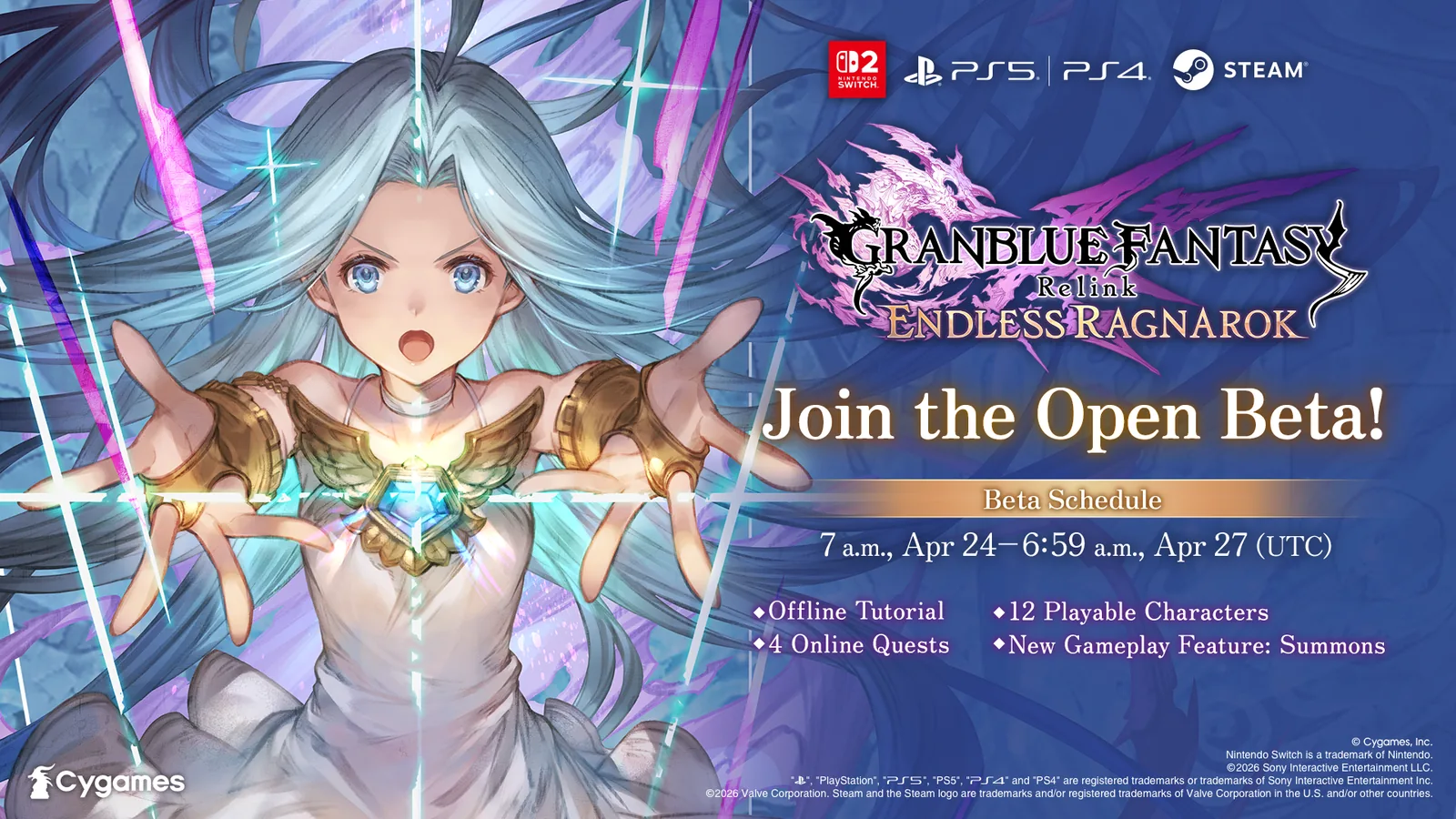 Official promotional artwork from Cygames' 2026 open-beta announcement.
When did the Endless Ragnarok open beta happen?
The public test ran from April 24 to April 27, 2026. Contemporary official and event material described it as a pre-release test rather than an early-access launch. Its purpose was not to let players begin permanent progression; Cygames explicitly framed the event around testing the new Summon feature, online load, game behavior, and potential problems ahead of release.
The test covered the same major platform families associated with Endless Ragnarok: Nintendo Switch 2, PlayStation 5, PlayStation 4, and Steam. If you find an article telling you to prepare for that April beta today, it is outdated. The date is now useful only for identifying footage, forum posts, builds, and balance impressions from the test period.
What could players do in the beta?
The open beta was deliberately narrower than the retail game. It focused on combat and multiplayer validation rather than the full campaign or long-form progression. Players could use Tutorial Mode to learn controls and Quest Mode to play a small set of combat missions.
The structure is especially important because it explains why some April footage shows mechanics that later appear deeper in the full release. The beta initially presented three quests. Completing them unlocked Sephira's Sanguine Glimmer, an additional quest where players could try the new Summon system. In other words, Summons were surfaced quickly for testing purposes; that beta unlock sequence should not be treated as evidence for how the complete retail progression works.
For players researching Summons now, the dedicated Endless Ragnarok Summons guide is a better current reference. The beta archive is mainly useful for understanding how Cygames introduced and stress-tested the feature before launch.
Why Cygames ran the open beta
Cygames' April 17 announcement stated two goals clearly: let players experience the new Summon mechanic, and use the larger public test to verify network performance, game functionality, and bugs before release. That second goal became visible one week later when the company published a dedicated Open Beta Changes notice on April 24.
Those changes included several fixes to open matchmaking, revisions to session-related messaging, and improvements intended to reduce network errors when leaving online sessions. Cygames also fixed an issue where repeatedly refreshing online-session searches too quickly could cause some online functions to stop working correctly.
Nintendo Switch 2 received a platform-specific fix as well: during online co-op, putting the console to sleep could previously break the session and leave network functions unusable after waking until the game was restarted. That issue was addressed for the open beta build.
The test therefore was not just a marketing sample. It was an operational test where real player traffic exposed matchmaking and connectivity problems that Cygames was actively adjusting before the retail release.
What changed from the closed beta to the open beta?
Cygames' April 24 change log gives the best snapshot of how the public build evolved. Online matchmaking received multiple reliability fixes, but battle behavior and quest content changed too.
Among the battle adjustments, the developers shortened some recovery timings and corrected character-specific behavior. The public build also added the new Sephira's Sanguine Glimmer quest, which became the key test arena for Summons after players cleared the first three quests. System-level changes included additional interface options and refinements to how quest cinematics were skipped.
These details matter when comparing closed-beta and open-beta videos. Two clips recorded only weeks apart can show different timings, bugs, menu behavior, or quest availability. For present-day gameplay advice, use post-launch guides and patch notes instead of assuming either beta build represents the current game.
Known issues during the open beta
Cygames also published an official known-issues notice on April 24. Two problems were highlighted at that time. First, the in-game route to the Cygames ID website could sometimes load poorly or fail, with Cygames suggesting that players use the displayed QR code on another device. Second, some players could encounter repeated connection errors while trying to use open matchmaking.
Cygames recommended waiting briefly or restarting the device before retrying matchmaking. These workarounds belong to the beta period. They are useful if you are interpreting historical bug reports, but they should not automatically be applied to the current retail build.
That distinction is important for searchers who land on old Reddit posts, videos, or troubleshooting threads. A fix that made sense on April 24, 2026 may be irrelevant after launch patches such as Ver. 2.0.2, 2.0.3, 2.0.4, and 2.0.5. For current issues, start with the Endless Ragnarok patch notes instead.
Did the beta represent the final balance?
No. Beta footage should be treated as pre-release evidence, not a permanent source for character rankings, damage values, quest routing, or optimal builds. The official April material itself demonstrates that mechanics, timings, networking behavior, and quest content were still being changed during the testing period.
This is why a beta tier list can still be historically interesting without being useful for current build decisions. A player comparing characters today should use release-era character guides and the latest patch notes rather than importing assumptions from April footage.
The same warning applies to Summons. The beta intentionally made the mechanic easy to reach because Cygames wanted large numbers of players to test it. The retail game ties Endless Ragnarok progression to broader story and Conflux requirements, so the beta quest path does not define current unlock order.
Open beta vs current demo
The open beta and the live demo can look similar because both were designed to let players try combat without committing to the full game, but they serve different purposes.
| Feature | April 2026 Open Beta | Current Demo |
|---|---|---|
| Status | Ended | Current no-cost trial route |
| Main purpose | Pre-launch testing and network verification | Let players try the game before buying |
| Summon access | Tested through the unlocked fourth quest | Available after clearing the first three Quest Mode missions |
| Matchmaking | Part of the public stress test | Current crossplay matchmaking in Quest Mode |
| Progress value | Historical test progress only | Demo progress does not transfer, but eligible completion rewards can be claimed in the full game |
| Best use today | Researching pre-release history | Deciding whether to buy or upgrade |
If your search intent is simply "Can I still play the Endless Ragnarok beta?", the answer is no. Use the current Demo guide for download, modes, rewards, crossplay, and save-transfer rules.
What beta footage is still useful for
Old footage still has value when used carefully. It can show how Cygames introduced Summons, which characters and quests were selected for public testing, and what kinds of online problems emerged under broader player load. It is also useful when documenting the development history of the expansion.
What it should not do is override current official information. Do not use an April beta video to decide whether a present-day matchmaking issue is normal, whether a character's current combo timing is correct, or whether the final game unlocks a system in the same order.
A simple rule works well: use beta material for history and comparison, and use post-launch sources for current gameplay decisions.
FAQ
Is the Endless Ragnarok open beta still available?
No. The open beta was a time-limited April 2026 event and ended before the July 9 launch. The current no-cost way to try the game is the official demo.
What was the beta testing?
Cygames specifically said the test was designed to let players experience Summons while helping verify network performance, game functionality, and bugs before launch.
Did the beta include Summons?
Yes. Players could unlock Sephira's Sanguine Glimmer after clearing the first three beta quests, and that fourth quest was used to test the Summon mechanic.
Were there network problems in the beta?
Yes. Cygames published both beta changes and known-issue notices on April 24, including fixes and warnings related to open matchmaking, session searches, and repeated connection errors.
Should I use beta builds for current character or system guides?
No. Beta behavior changed even during the testing period, and the retail game has since received multiple patches. Use beta footage only as historical context.