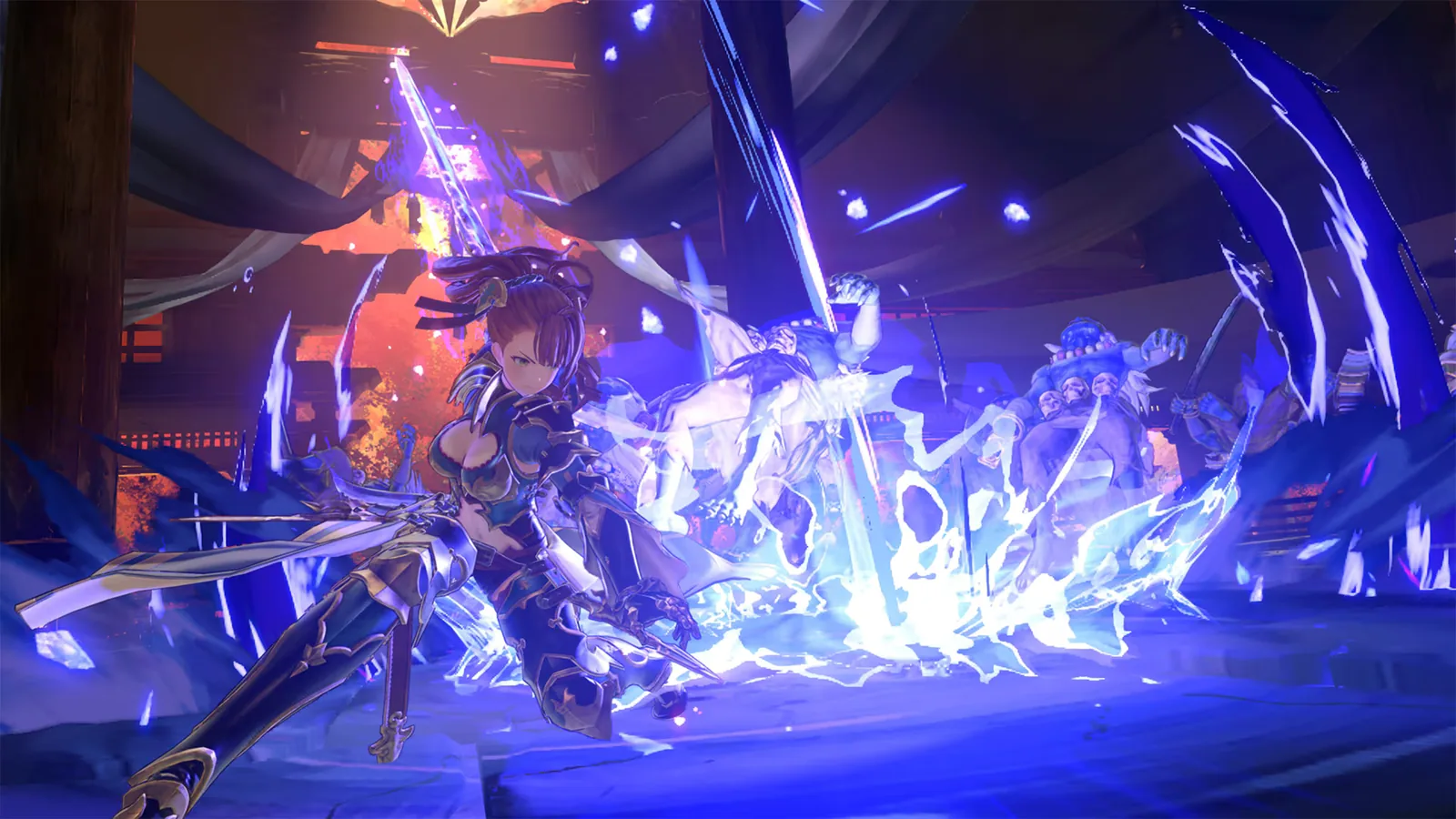
The latest confirmed Endless Ragnarok game version is Ver. 2.0.6, released by Cygames on September 17, 2026. It adds a Versus: Rising save-data link bonus and targeted quest/sigil fixes. For balance and progression, 2.0.5 remains the bigger recent patch, with Fediel, Conflux and MSP changes.
This page is the update hub rather than a copy of Cygames' changelog. Use it to answer three questions quickly: what the current patch is, whether a recent change affects the way you play, and which detailed guide you should open next. For line-by-line patch context, use our Endless Ragnarok patch notes guide.
Current status at a glance
| Item | Current status | Why it matters |
|---|---|---|
| Latest confirmed patch | Ver. 2.0.6 — Sep. 17, 2026 | Adds the Versus: Rising save-data bonus and fixes The World damage plus invalid Level-11 sigil drops. |
| Previous balance/progression patch | Ver. 2.0.5 — Aug. 28, 2026 | Includes Fediel tuning, a Gallanza SBA bug fix, quest fixes, Conflux stock restoration rules, and progression changes. |
| Previous hotfix | Ver. 2.0.4 — Aug. 7, 2026 | Fixes a save that could become unloadable after a Fatebreaker-grade player saved on the Grandcypher deck. |
| Online/Backup fix | Ver. 2.0.3 — Jul. 31, 2026 | Addresses Backup Character retrieval, co-op softlocks, Cygames ID reward crashes, and other bugs. |
| Expansion baseline | Ver. 2.0.2 — Jul. 8, 2026 | Adds the major Endless Ragnarok systems and the broad Relink combat/system update. |
| Future update | Confirmed, details/date still pending | On Sep. 17 Cygames confirmed free updates are planned; six paid character skins are also scheduled from December 2026, two at a time. |
If you own a physical copy, Cygames continues to tell disc players to connect online and install the latest update. That is the first troubleshooting step before treating missing content, a progression mismatch, or an old bug as a problem with your save.
Ver. 2.0.6: current build
Version 2.0.6 is now the current public build. It adds an Apocalyptic Blade tie-in reward for players with qualifying Granblue Fantasy Versus: Rising save data on the same hardware/PC, and it fixes unintended damage after The World's Celestial Sphere in two quests.
It also corrects several sigils that could incorrectly be obtained at Skill Level 11 even though their effects only activate at Level 15. Existing affected sigils are raised to Level 15 by the update.
For build and farm advice, 2.0.5 is still the more consequential recent patch, so the next section remains important.
Ver. 2.0.5: the update most players should read first
Version 2.0.5 is not another expansion-sized patch, but several changes can directly affect endgame play. Fediel received the most visible character adjustment. Her Enhanced Combo Finishers effect from Insight: Finishing Touch now tops out at level 5 rather than level 10. Cygames also reduced the power of her magic orbs when Enhanced Combo Finishers is not active, while increasing how orb damage scales as the effect level rises. The stated goal is to make building the effect meaningful without substantially lowering damage at its new maximum level.
That means an older Fediel rotation should not be judged only from pre-2.0.5 footage. If you play her, test how quickly your normal sequence reaches the new level-5 cap and compare actual quest performance before changing your entire setup. Our character guide will treat this as a rotation and playstyle adjustment rather than labeling it a simple buff or nerf.
Gallanza's 2.0.5 change is a bug fix: Cygames fixed an interaction that could allow his Skybound Art to activate without a full SBA gauge during specific timing around Deathmatch Finale or maximum Wild Showman. Players who learned to rely on that unintended behavior should expect current gameplay to differ from early footage or clips.
The patch also fixes several quest problems. The boss in The Not Forgotten Sky could intermittently remain permanently outside attack range and softlock the encounter. Camera problems involving The World and Beelzebub in several online quests were also addressed. These fixes are particularly important when searching old community posts: a report from July or early August may describe a problem that no longer reproduces on the current build.
Conflux and progression changes in 2.0.5
One of the less flashy 2.0.5 fixes may be more important to a player deep into The Conflux. A bug could incorrectly reduce limited-supply Conflux treasure bundles to zero after viewing the bundles, beginning a survey, and retreating without earning a boon. Cygames published restoration rules that depend on whether the save already owns Chaos Refinium, Mythic Artifacts, or has forged the relevant weapons.
The important player action is not to guess which bundle should return. Update first, check the official 2.0.5 table against your inventory state, and then inspect the Conflux shop again. Players who already own the limited materials may not receive the same reset as players who have never obtained or used them.
Version 2.0.5 also makes late-game MSP management less restrictive. The MSP holding cap was raised from 999,999 to 9,999,999. Cygames also increased MSP rewards for certain high-end content, including Chaos++ and Defy Infinity-related progression. That makes older farming advice less useful if it was built around the previous cap or reward rate. Before committing to a long farm, compare the current reward loop with whatever route an older guide recommends.
For the underlying mode and unlock path, continue to the Endless Ragnarok systems hub.
Ver. 2.0.4: a small patch with a critical save fix
Version 2.0.4 was released on August 7. Its headline fix is narrow but serious: Fatebreaker-grade players could be unable to load saved data if they saved while on the Grandcypher's deck. Cygames says installing the update allows an already affected save to load again.
This is a good example of why the newest update should be installed before attempting destructive troubleshooting. If an old forum thread suggests reinstalling, deleting data, or starting over for this exact symptom, verify the version first. The official fix is far safer than treating the save as permanently lost.
Cygames noted at publication that the Nintendo Switch 2 version of 2.0.4 would arrive soon. Because platform rollout timing can differ, always check the current store/update state on the device you are actually using rather than assuming an old rollout note still describes availability today.
Ver. 2.0.3: online, Backup Characters, and Cygames ID fixes
The July 31 Ver. 2.0.3 update focused heavily on stability. Backup Character retrieval could hang while fetching the backup list, and a captain with certain appearance and character-unique-sigil combinations could fail to appear correctly. Online co-op also had several softlock scenarios, including repeating quests from the Grandcypher deck and then traveling to Seedhollow.
Another notable fix addressed a crash after linking a Cygames ID and attempting to claim link bonuses from the Knickknack Shack during co-op. If you postponed that reward because of launch-week reports, the relevant question is now whether you are updated—not whether the feature should be avoided indefinitely.
For players returning after the launch rush, 2.0.3 is mostly historical context. Its value is explaining why an old Reddit post, video comment, or troubleshooting article may describe behavior you cannot reproduce now.
Ver. 2.0.2 remains the foundation of Endless Ragnarok
Version 2.0.2 is still worth understanding because it was the major launch update. It added Fatebreaker, the new Endless Ragnarok story, The Conflux, six playable additions across the expansion's progression, Master Traits, Summons, Chaos difficulty, Primal Bursts, weapon Transcendence, crossplay, Backup Characters, Ultimate Memory for Terminus forging, and many broader combat and quality-of-life changes.
It also changed how important buffs and debuffs interact with damage. Effects such as ATK Up and DEF Down can stack under the revised rules, and their additional damage is no longer lost through the previous damage-cap interaction in the same way. Cygames compensated by lowering values on a number of affected skills and character-specific sigils. That is why a build guide created for Relink 1.3.2 or earlier cannot simply be assumed to carry over unchanged.
If you are starting Endless Ragnarok now rather than returning from July, do not work through every old patch chronologically. Install the latest version, learn the current systems, and use 2.0.2 as background when you need to understand why an older build, UI screenshot, unlock explanation, or combat test looks different.
What Cygames has said about the next update
Cygames posted a Notice about the Next Update on August 14. The official news index still lists that notice as the newest general update-planning announcement as of our September 6 check. The team said it was reviewing known issues and making adjustments related to character gameplay, MSP gain, and game balance.
That notice should not be turned into an invented roadmap. Until Cygames publishes specific patch notes, a release date, or a detailed feature list, we treat those areas as under review, not as confirmed buffs, nerfs, characters, bosses, or release dates. This distinction matters for SEO pages too: repeating community predictions as announced content creates a page that becomes inaccurate as soon as the real patch lands.
We will maintain a separate next-update page for confirmed information and keep this hub focused on the current state.
Which page should you read next?
If your goal is to understand every meaningful 2.0.5 change, go to the latest patch notes and update history. If you are returning after months away and mainly want to understand the expansion itself, the Endless Ragnarok overview is the better starting point. For character unlocks and the six new playable additions, use the character hub. For Fatebreaker, Conflux, Summons, Master Traits, Chaos, and progression mechanics, use the systems hub.
The safest update routine is straightforward: install the current patch, confirm that your platform reports the expected version, read the section relevant to your main character or current progression gate, and test one familiar activity before rebuilding. That gives you a useful baseline without turning every maintenance patch into a full reset of your build.