Yes. Granblue Fantasy: Relink - Endless Ragnarok supports crossplay between Nintendo Switch 2, PlayStation 5, PlayStation 4, and Steam. Cygames added cross-platform online co-op in Ver. 2.0.2, so a mixed group no longer has to standardize on one console or PC storefront just to run compatible quests together.
The part that causes confusion is that crossplay does not mean cross-purchase, cross-platform DLC ownership, or automatic save transfer. It only describes the ability for players on different supported platforms to meet in online co-op. Your copy of the game, your Endless Ragnarok entitlement, and any platform subscription requirements still belong to the platform account you actually use.
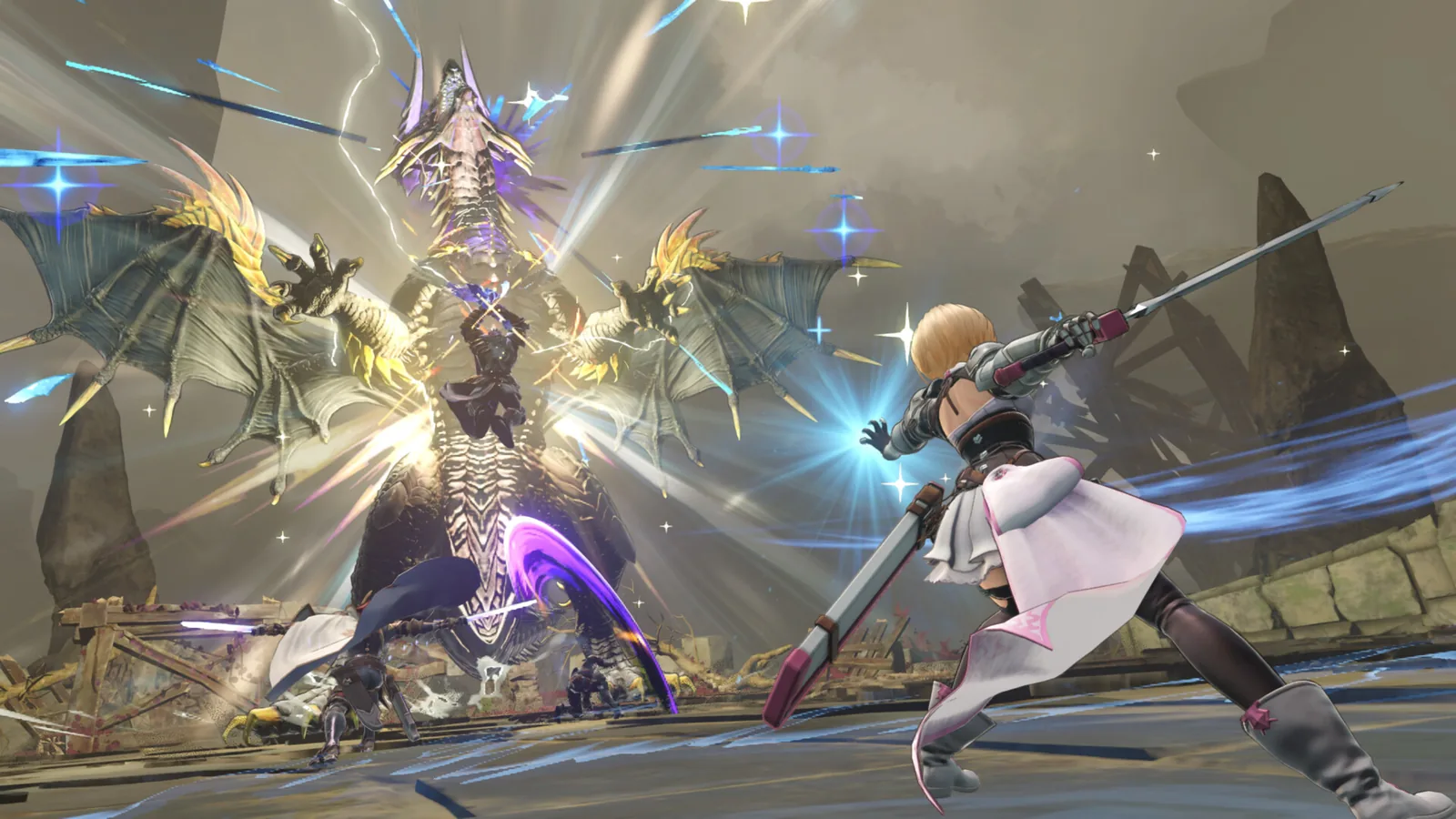 Official Endless Ragnarok promotional gameplay image. Crossplay applies to online co-op, while some activities such as the Conflux remain solo content.
Which platforms can play together?
Cygames' current systems page lists all four supported ecosystems in the same crossplay pool: Nintendo Switch 2, PS5, PS4, and Steam. That means combinations such as Steam + PS5, Switch 2 + PS4, or a four-person party spread across several platforms can play supported online quests together.
| Group | Crossplay? | Important note |
|---|---|---|
| Steam + PS5 | Yes | Make sure crossplay is enabled rather than restricted to the same platform. |
| Steam + PS4 | Yes | Both copies should be on the current game version. |
| Switch 2 + Steam | Yes | Use online co-op, not Switch 2 local communication. |
| Switch 2 + PlayStation | Yes | Each player still needs the online access required by their own platform. |
| PS4 + PS5 | Yes | PlayStation also supports the new online-session creation and search tools added in Ver. 2.0.2. |
Crossplay is therefore a matchmaking feature, not a storefront-sharing feature. If you own Relink on Steam, that does not make an Endless Ragnarok Upgrade Kit purchased on PlayStation usable. Buy content on the platform where your base-game entitlement actually exists.
How to enable crossplay
Ver. 2.0.2 added a Matchmaking Settings option that can either enable crossplay or restrict co-op to the same platform. Cygames notes that the setting is available while the Matchmaking Method is set to Open.
A reliable setup order is:
- Update every player's copy of Relink to the current version.
- Open the quest matchmaking settings.
- Use Open matchmaking when you need to change the crossplay setting.
- Make sure the host has not restricted the session to the same platform.
- Create or search for an online session, then test with a short quest before committing to a longer farm.
On PS4 and PS5, Ver. 2.0.2 also added explicit Create an Online Session and Search for Online Sessions functions. That is useful for organized groups because you do not have to rely only on random matchmaking.
Why your friend may not appear
The most common explanation is not that the platforms are incompatible. It is that one player is on an old patch, the host is using same-platform-only matchmaking, or a platform-level online requirement is blocking the connection.
Check these in order:
- Confirm the host is using crossplay rather than same-platform-only matchmaking.
- Confirm all players have restarted the game after the latest update.
- Recreate the online session if an older lobby is not appearing.
- Confirm each console account can use online multiplayer.
- Test a simpler quest before assuming a specific Chaos or progression-gated quest is the problem.
The crossplay setting itself is a real filter. If it is configured to restrict co-op to the same platform, a Steam player should not expect to see a PS5 friend's session even though Endless Ragnarok supports crossplay in general.
Do PlayStation players need PS Plus?
For PlayStation online features, the current PlayStation Store listing says an active internet connection and PlayStation Plus membership are required. Solo play does not require PS Plus merely to run the game offline.
This distinction matters because the official Endless Ragnarok demo has different rules: Cygames says PS Plus is not required for the demo's online multiplayer on PS5 or PS4. Do not apply the demo rule to the paid full game.
If your group includes a PlayStation player who can launch the game but cannot join online sessions, check the PlayStation Plus status before changing editions or rebuying content.
What about Nintendo Switch 2 online and local play?
Nintendo Switch 2 has two separate multiplayer paths. The normal online crossplay system can connect Switch 2 players to Steam and PlayStation users. Cygames also supports Local Communication for up to four Switch 2 players.
Local Communication is not crossplay. It is for nearby Switch 2 systems. Cygames also states that GameShare is not available while using this local communication mode.
For online service requirements, follow the current Nintendo account rules shown on your system or the official product page. The Endless Ragnarok systems page warns that some platforms require a membership for online services.
Crossplay does not mean cross-buy
This is the most important purchase warning for returning players. The Endless Ragnarok Upgrade Kit requires the base Granblue Fantasy: Relink game. Cygames sells that kit as the upgrade route for existing owners, but ownership is tied to the platform ecosystem where you bought the base game.
For example:
- Own Relink on Steam and want to keep playing on Steam: buy the Steam Upgrade Kit.
- Own Relink on PlayStation and want to stay on PlayStation: buy the PlayStation Upgrade Kit.
- Own Relink on Steam but want to move permanently to PS5: do not assume your Steam base-game or expansion license transfers because crossplay exists.
Crossplay lets those players meet in quests. It does not merge their storefront entitlements.
Is there cross-save?
The official crossplay materials verify cross-platform co-op, but they do not establish a universal cross-save system that lets you freely move one progression file among Steam, PlayStation, and Switch 2. Avoid treating crossplay as proof of cross-save.
If you are considering changing platforms, verify the exact save-transfer option for that destination before purchasing another copy. For most players, the safer decision is to stay on the platform where their existing Relink ownership and progression already live, then use crossplay to play with friends elsewhere.
What content can you actually play together?
Crossplay applies to online co-op quests, but Endless Ragnarok also contains solo systems. The Conflux is explicitly a solo mode, so crossplay does not turn it into a multiplayer dungeon.
That distinction is useful when planning progression with friends. You may need to complete individual Conflux or story gates on your own before your group can all access the same high-level content. Once everyone meets the relevant quest requirements, crossplay removes the hardware barrier for compatible online quests.
Chaos and higher Endless Ragnarok quests can also enter the Quick Quest pool as story progression advances, which gives the crossplay matchmaking population more endgame content to run together.
Crossplay troubleshooting checklist
If a mixed-platform group cannot connect, work through this sequence before buying anything again:
- Update the game on every system.
- Confirm Open matchmaking where needed to access the crossplay option.
- Enable crossplay on the host.
- Recreate the online session.
- Check PlayStation Plus or other platform online-service requirements.
- Verify that every player has actually unlocked the target quest.
- Try a lower-gated online quest to separate a progression problem from a networking problem.
- Check the current official patch notes if the failure began immediately after an update.
This order helps separate three completely different problems: account access, matchmaking settings, and in-game progression.
Bottom line
Endless Ragnarok has full crossplay across Nintendo Switch 2, PS5, PS4, and Steam for supported online co-op. Ver. 2.0.2 added the crossplay toggle and expanded online-session tools, including session creation/search on PlayStation. Keep crossplay enabled for mixed-platform groups and make sure every player meets their own platform's online requirements.
What crossplay does not do is transfer purchases or prove that saves can move freely between storefronts. Buy the base game or Upgrade Kit on the platform you actually own and use, then rely on crossplay to connect with friends elsewhere.